All Notes1.0
Publisher Description
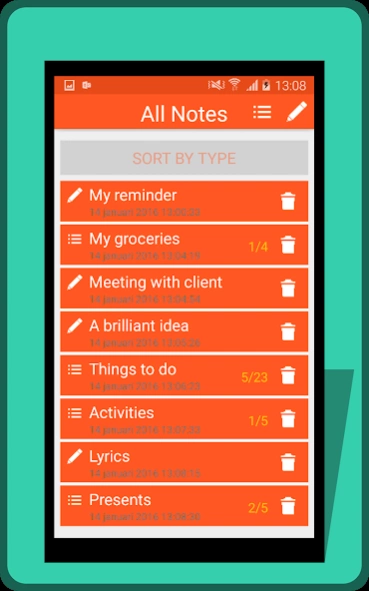
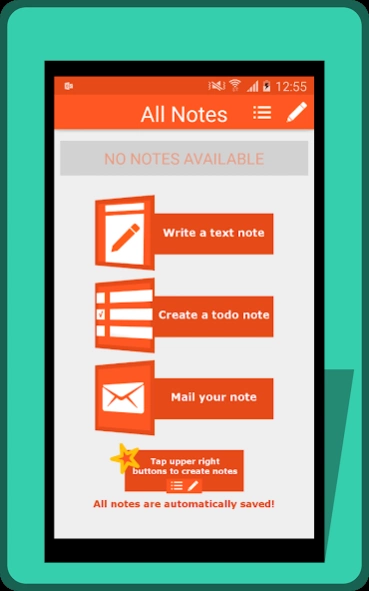
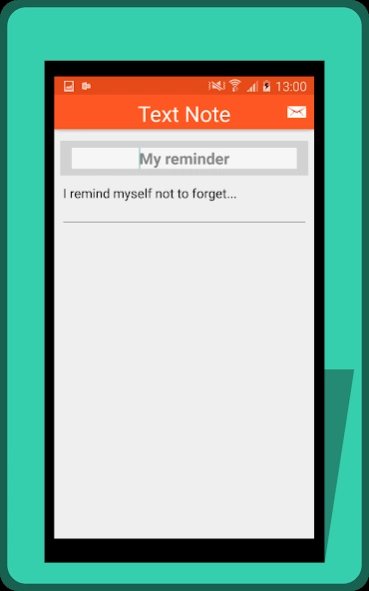
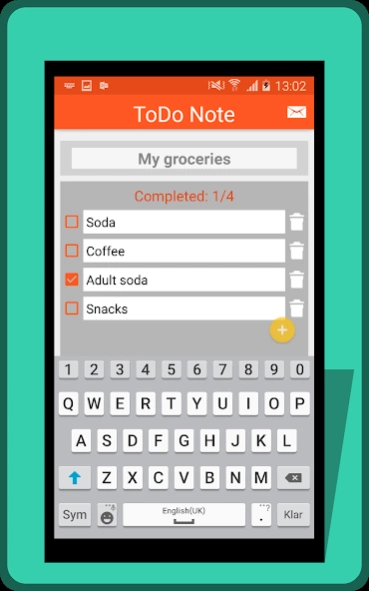
Create Text Notes and Todo Notes and mail them with your favorite mail app.
Simple and efficient note app. Create a simple text note or a list of todo items, and then mail them to whoever you want. Why not send your partner a groceries list with stuff to pick on the way home?
* Text Note - Create a note with title and content. Perhaps a reminder, an idea or a note from a meeting or class.
* To Do Note - Create a list of items you want to buy, do or remember. You can easily keep track of what you have done and items left to do. Just select the check box to mark an item as done. Tip: Tap and Hold in the text field when you create new tasks.
* Mail your note - Send the note to yourself or to a friend, collegue or family member.
* Auto Save - Yes, the app automatically saves your notes. When you're done with a note you can turn off the app or use Back button to view your list of notes.
* Sorting - Sort your notes by type or date.
About All Notes
The company that develops All Notes is L2minigames. The latest version released by its developer is 1.0.
To install All Notes on your Android device, just click the green Continue To App button above to start the installation process. The app is listed on our website since 2016-01-24 and was downloaded 2 times. We have already checked if the download link is safe, however for your own protection we recommend that you scan the downloaded app with your antivirus. Your antivirus may detect the All Notes as malware as malware if the download link to com.l2minigames.umyhlarsle.allnotes is broken.
How to install All Notes on your Android device:
- Click on the Continue To App button on our website. This will redirect you to Google Play.
- Once the All Notes is shown in the Google Play listing of your Android device, you can start its download and installation. Tap on the Install button located below the search bar and to the right of the app icon.
- A pop-up window with the permissions required by All Notes will be shown. Click on Accept to continue the process.
- All Notes will be downloaded onto your device, displaying a progress. Once the download completes, the installation will start and you'll get a notification after the installation is finished.
